Turn every conversation into actionable knowledge.
Meetings that end in documents, not to-dos.
Lugji captures what was said; Lugoffice turns it into what you hand in — minutes, announcements, formal emails, reports and cross-meeting weekly reviews, in one step.
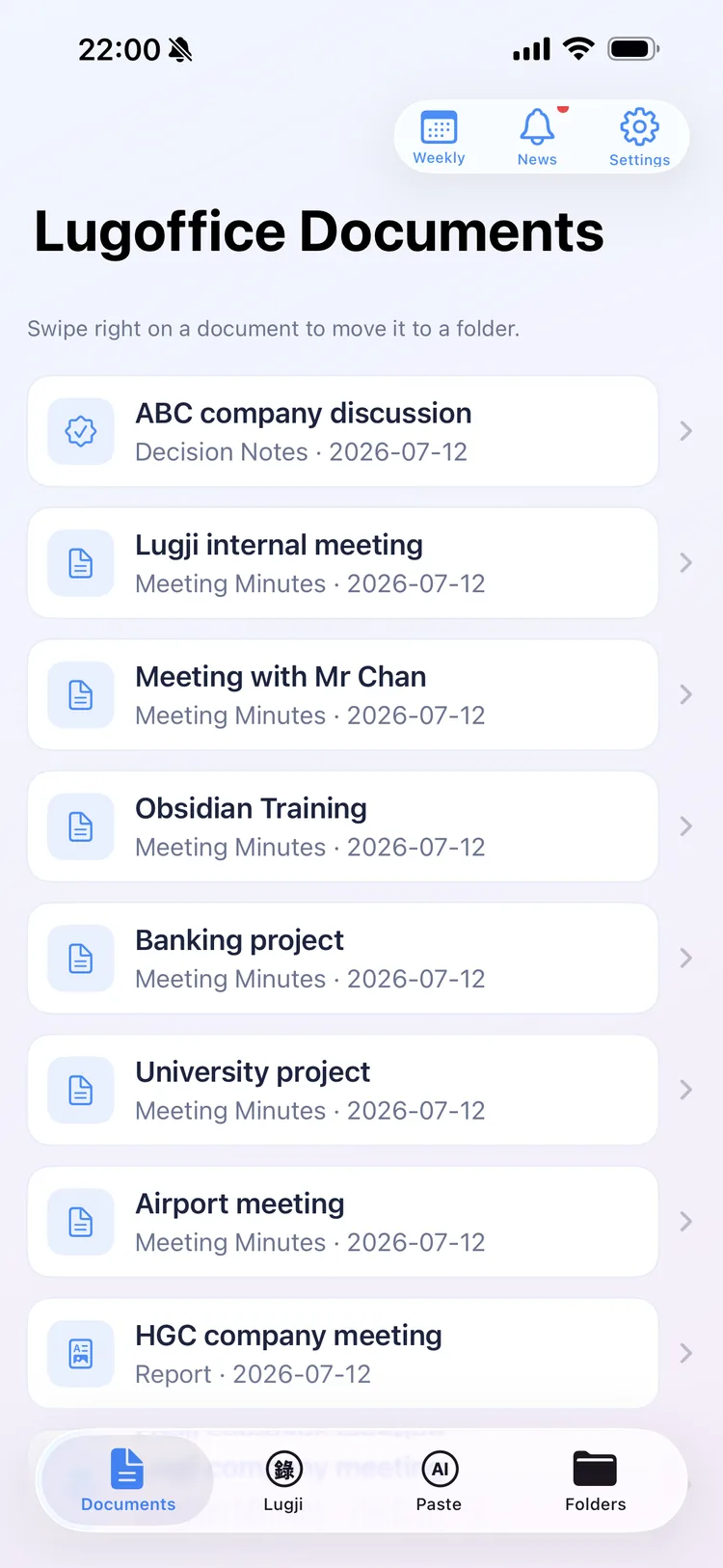
The hard part of a meeting isn't the meeting — it's everything you owe afterwards.
Minutes, announcements, follow-up emails — you think in Cantonese, but what you hand in has to be formal written Chinese. Rewriting speech by hand is slow: an hour of audio can take 3–4 hours. Lugoffice turns that into minutes.
From your voice to a finished document, in four steps.
Mapped to the flow you actually use.
Record / transcribe / paste
Record a Cantonese meeting with Lugji (transcribed on your device), or paste your own text or message straight in.
Pick a document type
Minutes, announcement, report, weekly review — pick from seven.
Spoken → written
AI produces formal, ready-to-send written Chinese.
Saved to your iCloud
Saved automatically to Lugoffice's folder in your iCloud (or on your device if iCloud is off), with optional sync to Obsidian.
From one conversation, every document you owe.
One stretch of Cantonese, seven kinds of formal written document.
Minutes
Summary, discussion, decisions, action items — clearly structured.
Announcement
Heading, audience, body, sign-off — ready to post.
Formal email
Subject, salutation, body, courteous close — right tone.
Report
A formal report — summary plus a sectioned body, with optional custom heading and footer.
Decision notes
Helps pull together the decisions, the reasons, and who owns each.
Polish
Take your own draft and proofread / tighten / expand it — wording only, nothing invented.
Weekly report
Pick a week of meetings and notes → one dated, per-day weekly review.
More document types coming soon
Not just one meeting — a whole week in one report.
Pick a week of meetings and notes → a dated weekly review: what was said, decided, and still open, on one page.
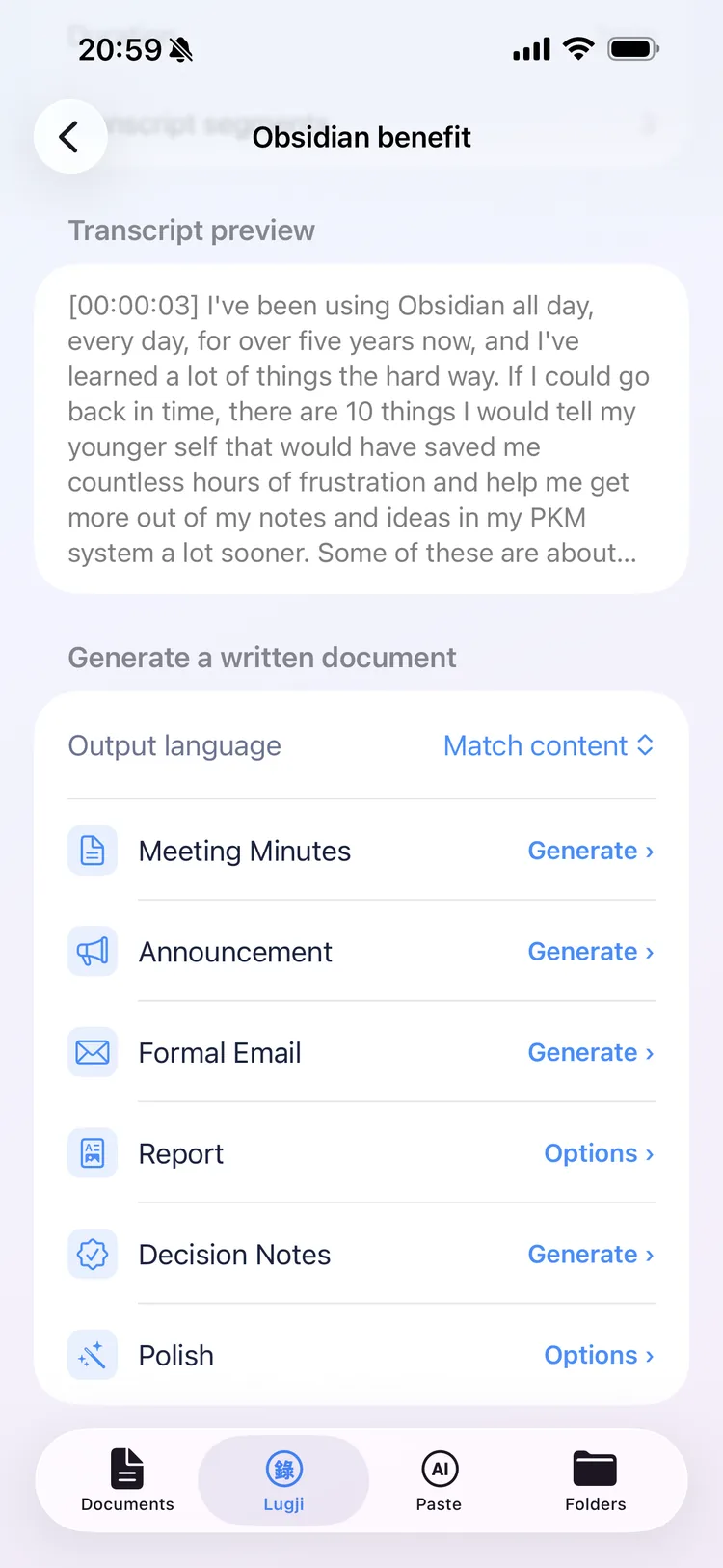
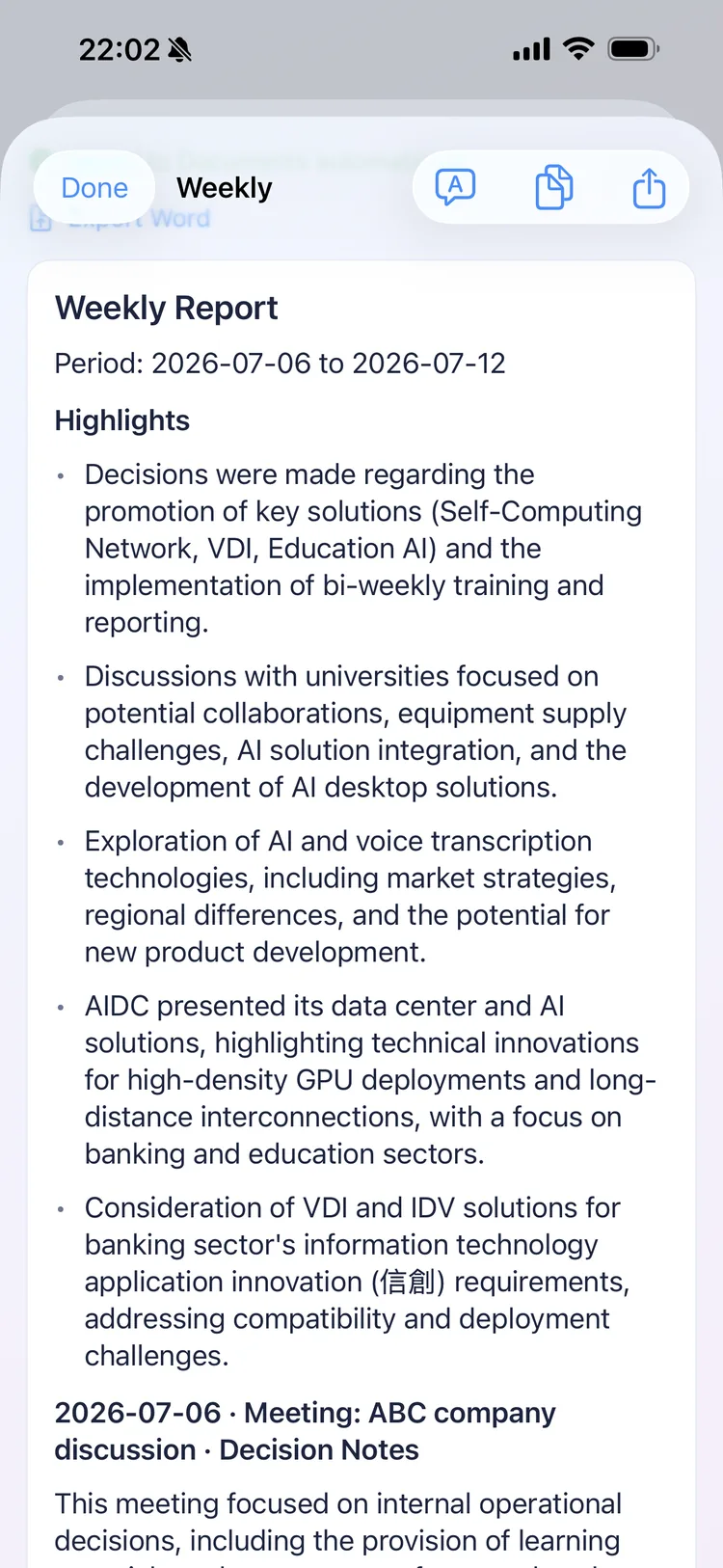
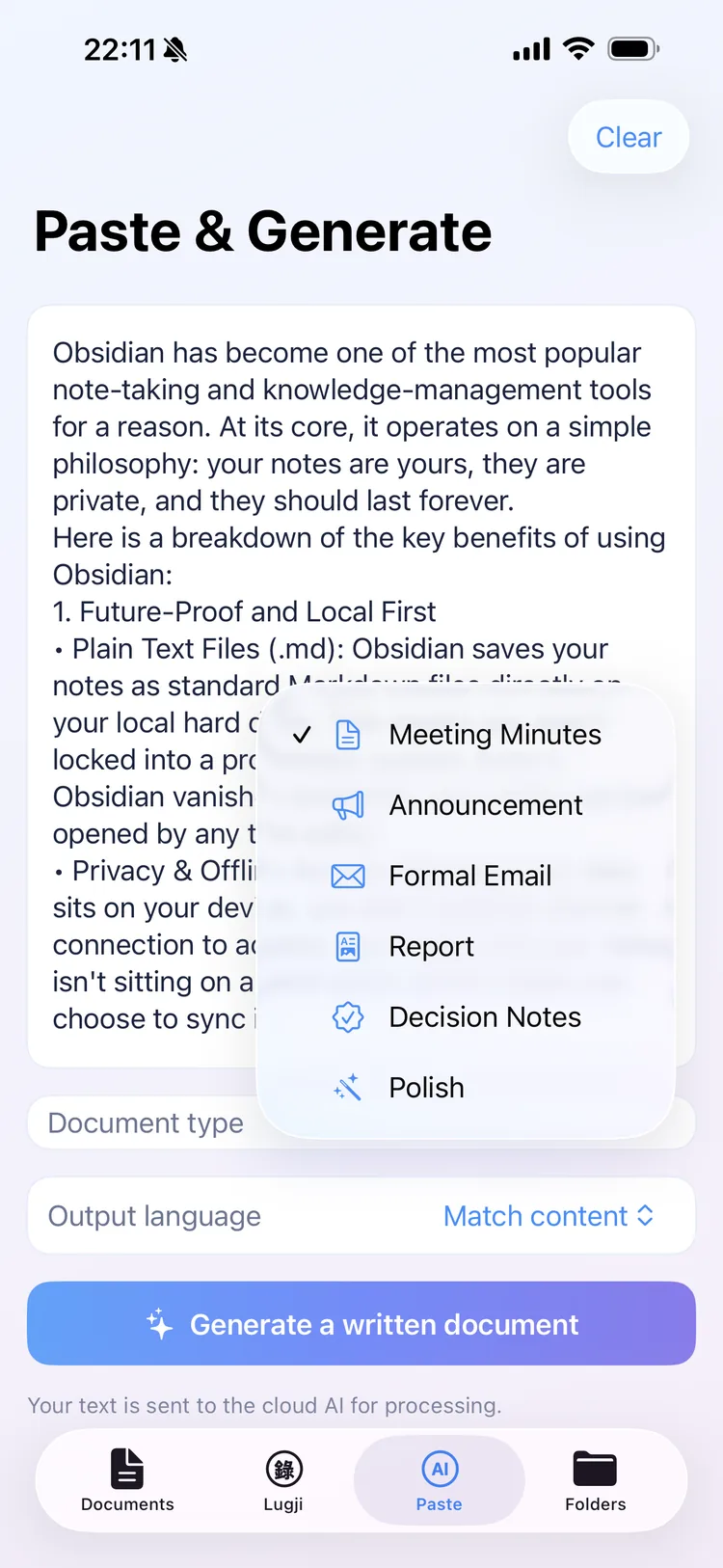
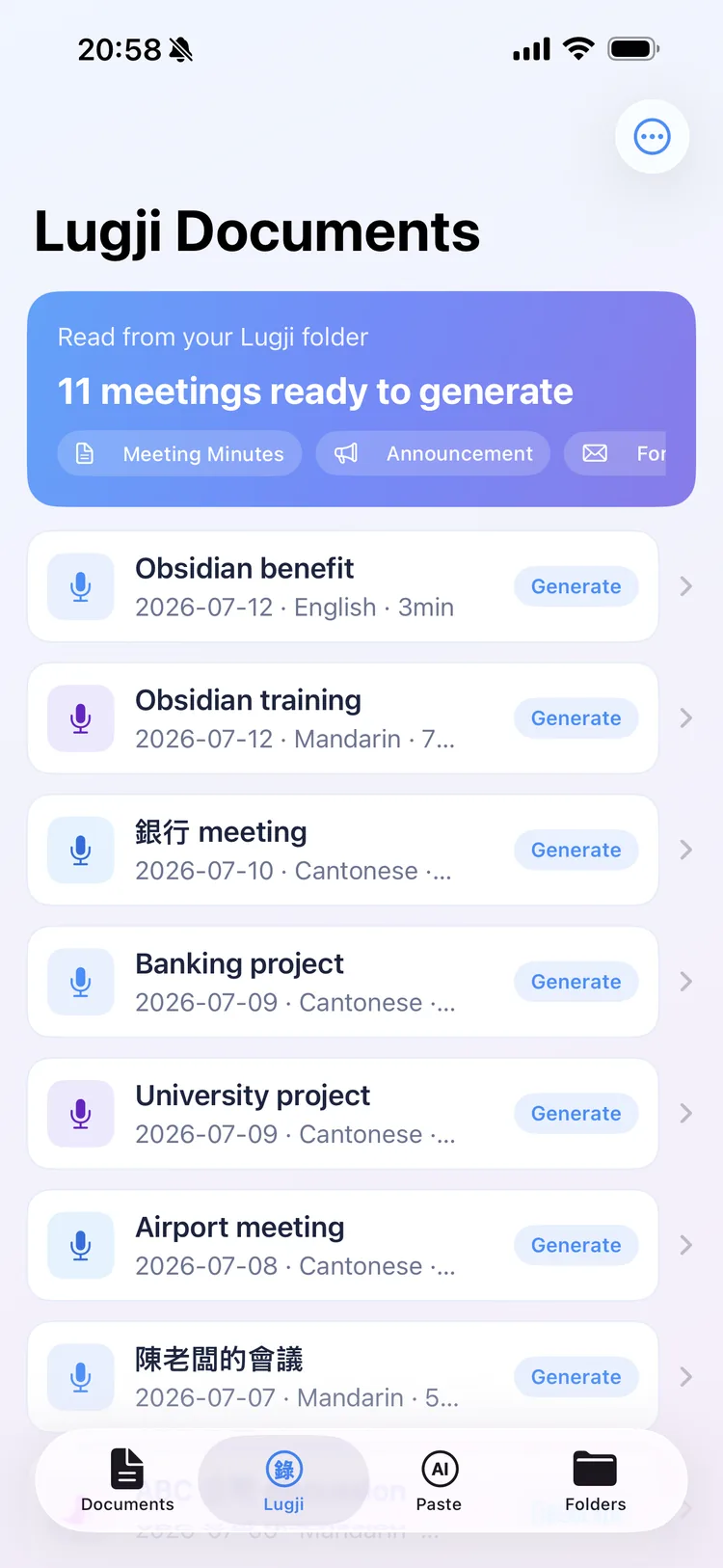
What Lugoffice looks like.
Your data, your call.
Lugoffice is an opt-in writing tool — you choose what to send, and what's sent is text, not audio.
Text only — recordings are never sent
Lugoffice only handles text and never sends your recordings — only the text you choose is sent.
You choose before anything is sent
Opt in per meeting; only the text you pick yourself is ever sent.
Enterprise-grade, not used for training
Under Google Cloud enterprise terms, your content isn't used to train Google's public models. Lugoffice's servers keep only limited metadata, never your text.
Need everything to stay inside the company? On-prem / self-hosted engine + certification + data residency — on the roadmap, talk to us.
Pricing
Best value bundled with Lugji — the full pipeline.
You might be wondering
Does it work with Cantonese?
Yes. Lugoffice is built for spoken Cantonese → written Chinese, and also supports Mandarin and mixed Chinese/English.
How many document types are there?
Seven today: minutes, announcement, formal email, report, decision notes, polish, and weekly report — with more to come.
Do I have to use Lugji?
No. You can paste text straight into Lugoffice (meeting notes, dictation, drafts) and still get documents; using Lugji alongside just makes it seamless — it reads its transcripts automatically.
Is my data safe?
Lugoffice only handles text and never sends your recordings — only the text you choose is sent, and it is processed via enterprise Google Vertex to generate documents. Lugoffice doesn't retain your text, and it isn't used to train public AI models. See Privacy above.
How does it relate to Lugji?
Lugji captures the original speech (your 'brain'); Lugoffice produces the documents (your 'hands'). Lugoffice reads Lugji's .md.
What platform?
iPhone and iPad today · Mac on the roadmap.
Meetings that end in documents. Get Lugoffice on the App Store.